FA-VA6 Screen Mirror Application
Screen mirroring of the FA-VA6 under Windows
For the Windows operating system a program is available under Downloads that allows the screen of the FA‑VA6, running firmware version 2.0 or higher, to be mirrored live to a computer and screenshots to be saved.
This not only supports demonstrations at club evenings, but measurement results can also be easily documented in this way. For example, multifrequency and TDR measurements can be stored in the FA-VA6, later recalled and saved as screenshots via PC using this program. Screenshots are also very well suited for presenting and discussing measurement results in internet forums and discussion groups.
The program is written at a very hardware-close level of the operating system and therefore also works efficiently on older Windows versions and older hardware. Under
Downloads a version without graphics hardware acceleration ("No_GPU") is also available, in case no graphics card is available or the installed graphics card does not provide the required functionality.
Operating the screen mirroring program
After downloading and starting the program "FA-VA6_Firmware_Screen_Mirror_1-0_Windows_GUI.exe" it actively searches for a connected FA-VA6. Once the FA-VA6 has been connected to the PC via a USB cable, it is detected automatically and screen mirroring starts immediately.
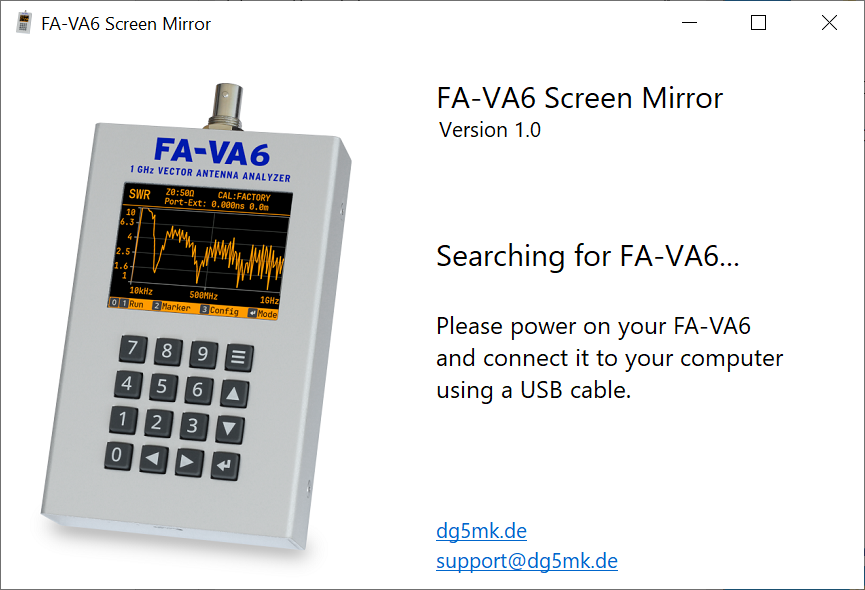
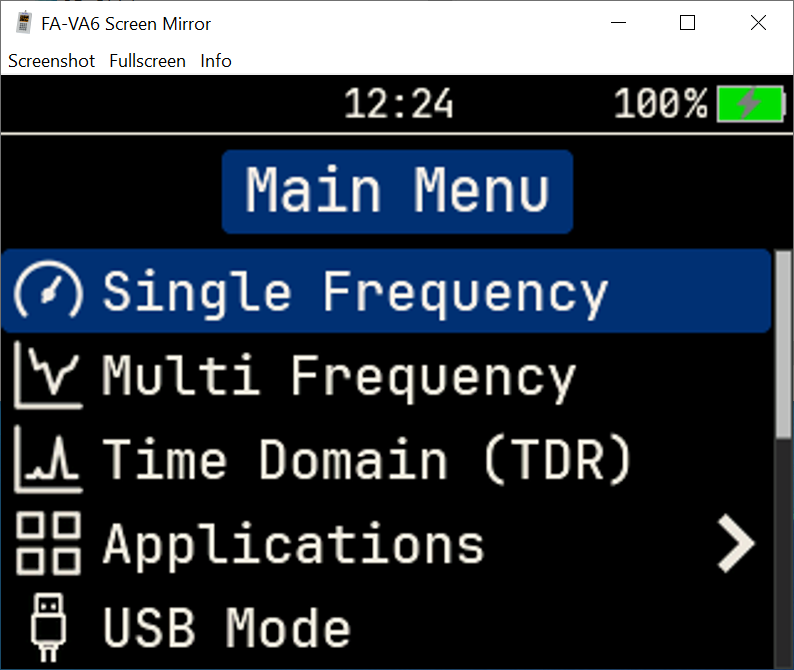
The window can be, as usual in Windows, scaled, maximized, or docked as desired using the mouse.
By clicking on "Screenshot" or pressing the "S" key a screenshot of the connected FA-VA6 is taken and a typical Windows dialog opens to save the image in PNG format. The suggested file name contains a timestamp in the form of date and time, but can be changed as desired.
By clicking on "Fullscreen" or pressing the "F" key the window switches to fullscreen mode, taking current screen resolutions and formats into account. By pressing the "ESC" key or the "F" key or by clicking "Close" in the top right corner the fullscreen mode can be exited again.
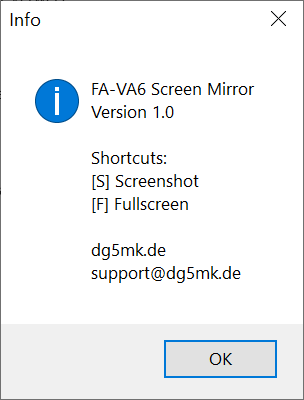
Under "Info" a window with further information, such as the current program version and available keyboard shortcuts, opens.